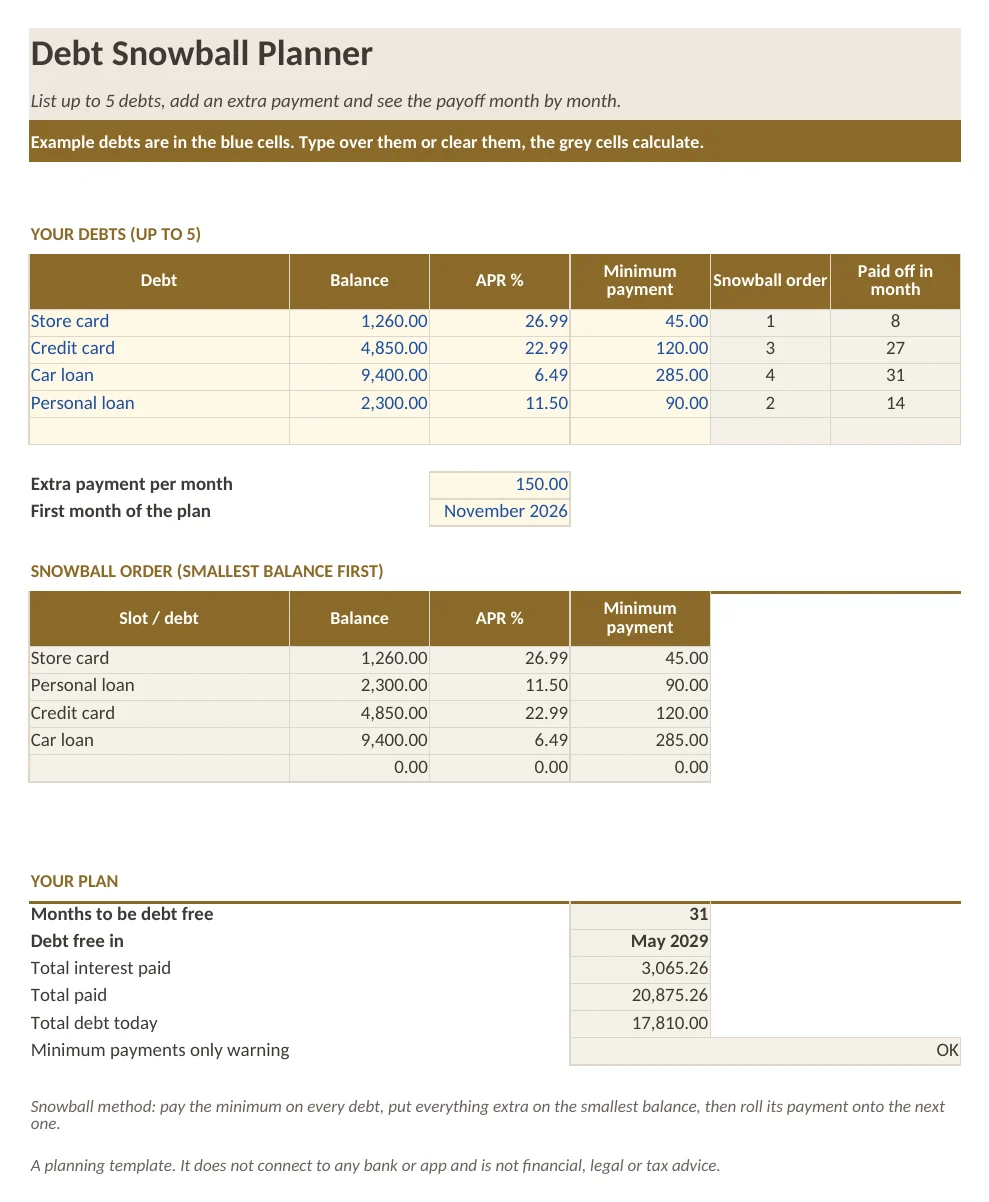
What is in the workbook
- Sheet Debts: up to 5 debts with balance, yearly interest rate and minimum payment, the snowball order and the payoff month of each debt
- Extra payment and start month inputs; months to be debt free, payoff date, total interest and total paid
- Sheet Schedule: 60 months of interest, payment and remaining balance for every debt, all formulas
- Sheet How to use with five short steps
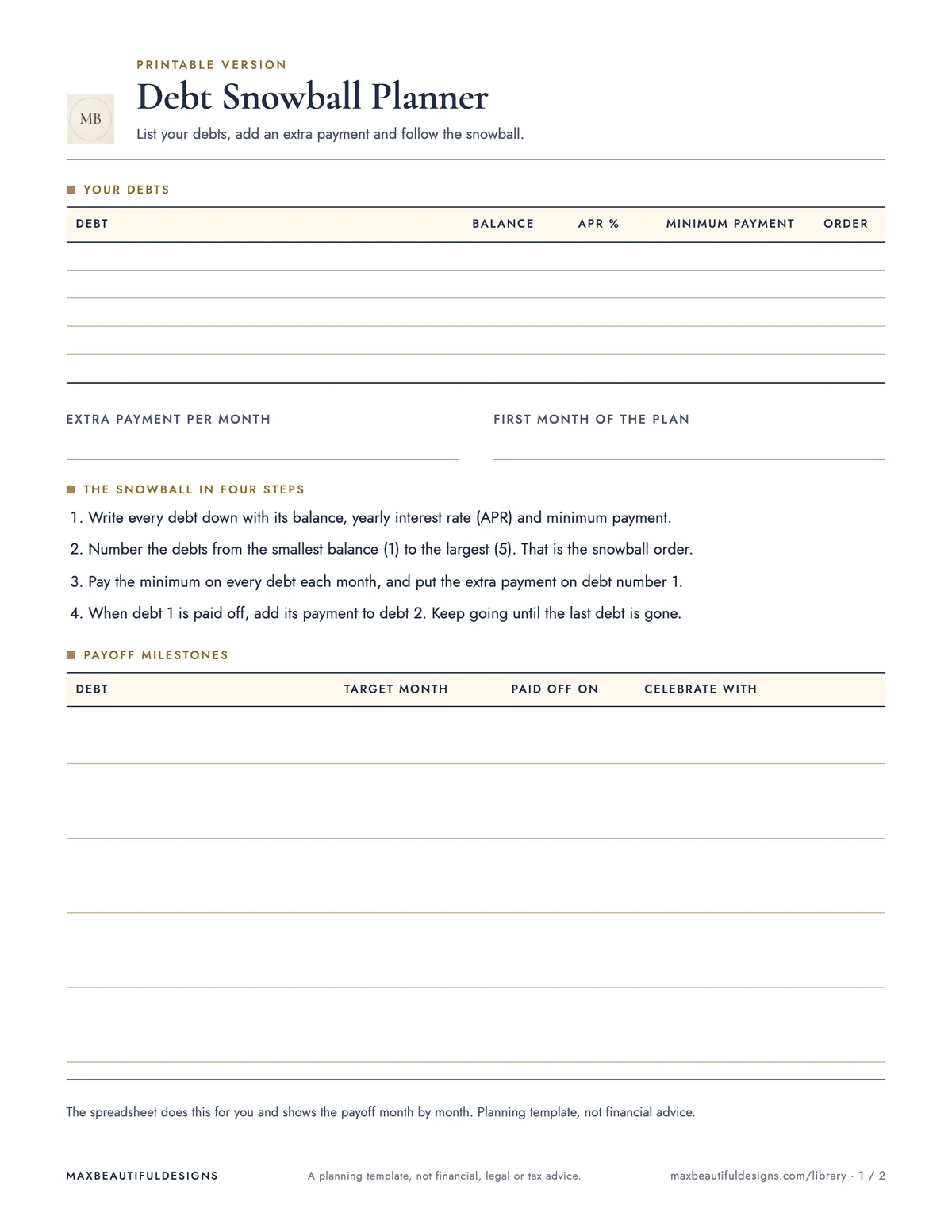
What is in the print version (PDF)
- Printable debt list with snowball steps
- Monthly check-in table to write down every balance for 18 months
How to use this spreadsheet
Open the workbook in Excel, Google Sheets, LibreOffice, or Apple Numbers. On the Debts sheet, enter up to five debts: the balance, yearly interest rate, and minimum payment. Then set an extra payment amount and the start month. The sheet automatically calculates the snowball order, payoff month for each debt, months to be debt free, payoff date, total interest, and total paid. On the Schedule sheet, you see 60 months of interest, payment, and remaining balance for each debt, all with formulas. Use the How to use sheet for five short setup steps. Print the included PDF (US Letter or A4) to write down your debt list with snowball steps on page 1, and use the monthly check-in table on page 2 to track every balance for 18 months. This planner helps you keep track of payoff progress, interest costs, and the order to pay off debts each month.
Tips
- Update the balances on the Debts sheet each month after making payments to see the remaining schedule recalculate automatically.
- If you pay off a debt early, adjust the extra payment amount to apply the freed-up minimum payment to the next debt in the snowball order.
- Print a new PDF each month and fill in the check-in table to visually track your progress and stay motivated.
Questions and answers
Can I add more than five debts?
No, this spreadsheet is designed for up to five debts. For more debts, you would need a different template.
Does this file work on Google Sheets?
Yes. In Google Sheets, go to File, Import, Upload, and select the .xlsx file. All formulas will work.
Do I need to enter anything on the Schedule sheet?
No. The Schedule sheet is fully formula-driven and updates automatically based on what you enter on the Debts sheet.
A planning template, not financial, legal or tax advice.