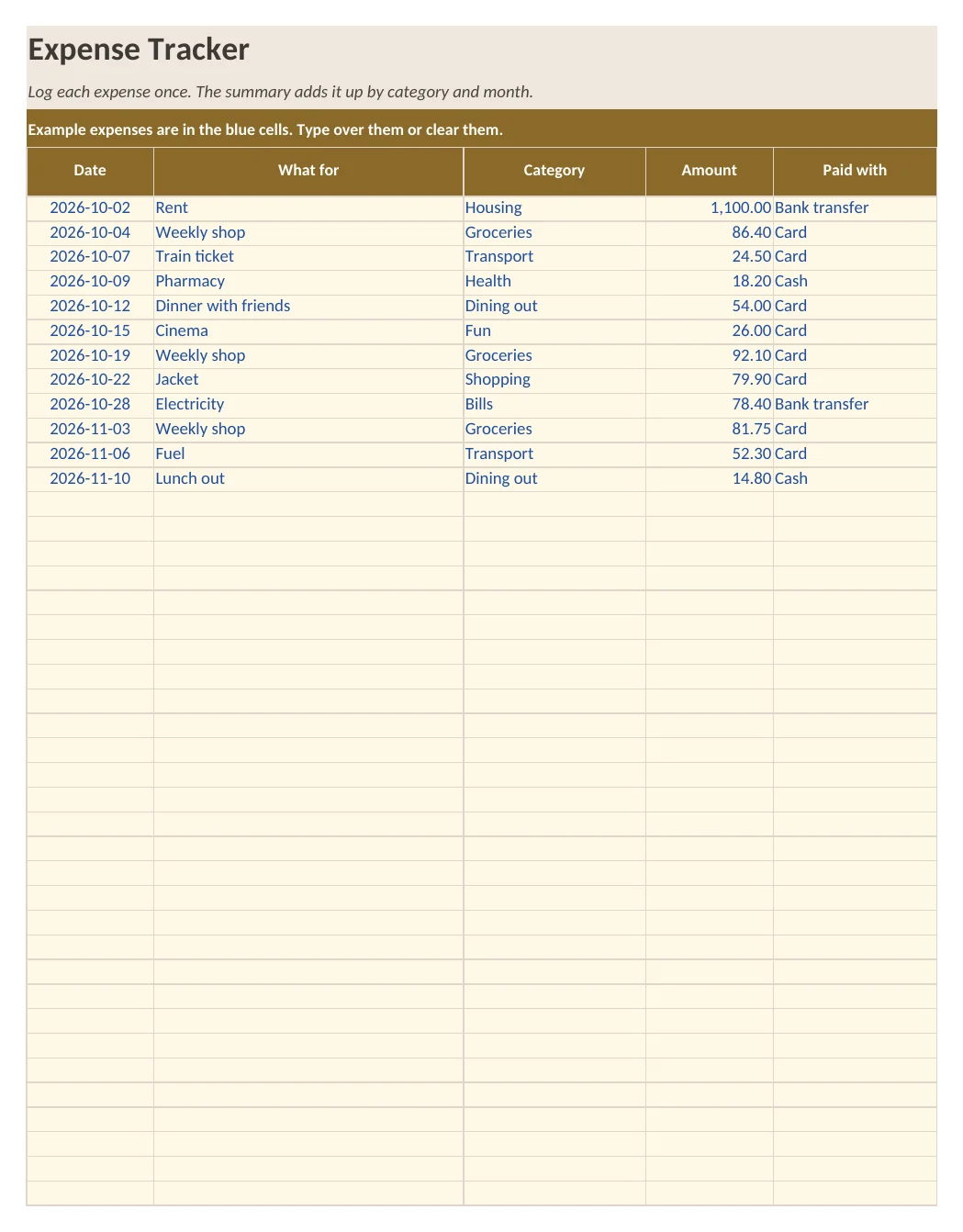
What is in the workbook
- Sheet Expenses: room for 200 entries with date, description, category, amount and payment method
- Sheet Summary: total for the year, average and largest expense, spending per category with share, and spending per month
- Sheet How to use with five short steps
- Example expenses in the blue cells
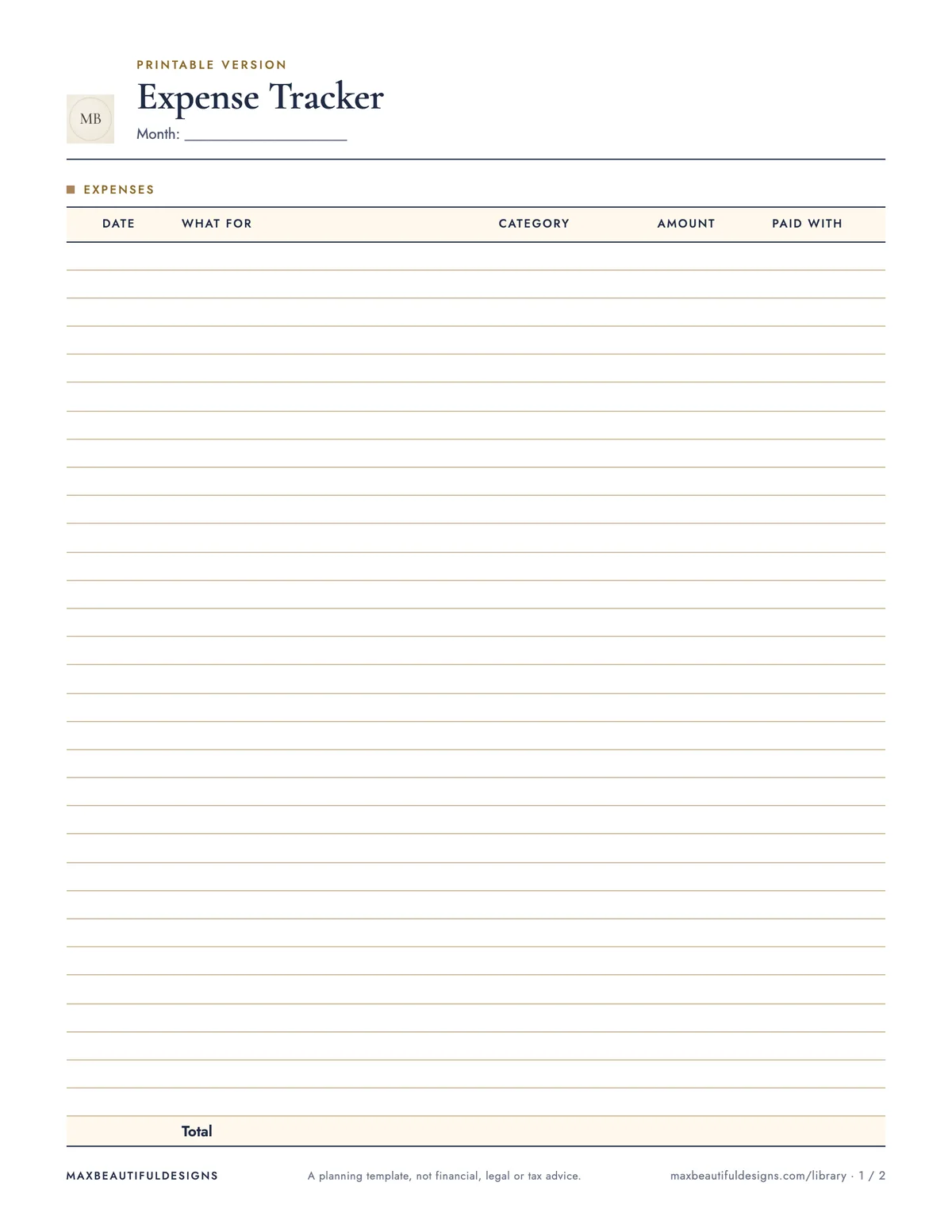
What is in the print version (PDF)
- Printable expense log with 30 lines and a totals row
- Category and month summary to fill in by hand
How to use this spreadsheet
Open the workbook in Excel, Google Sheets, LibreOffice, or Numbers. On the Expenses sheet, enter each expense in a new row: date, description, category, amount, and payment method. The formulas will automatically calculate totals on the Summary sheet, including yearly total, average, largest expense, spending per category with share, and spending per month. Use the How to Use sheet for five quick setup steps. For a paper version, print the Expense Log page from the PDF (US Letter or A4) and fill in up to 30 entries by hand. On the Category and Month Summary page, manually add totals from your log. The example expenses in blue cells show you how to format your entries. This tracker helps you see where your money goes each month and across categories, without needing an account or email.
Tips
- Set a weekly reminder to transfer receipts or digital payments into the Expenses sheet so entries stay current.
- Customize the category list on the Expenses sheet to match your spending habits, like adding 'Subscriptions' or 'Pet Care'.
- At the end of each month, print the PDF log and file it with receipts for a physical backup you can reuse next month.
Questions and answers
Do I need to install anything to use this file?
No. The workbook opens in Microsoft Excel, Google Sheets, LibreOffice, and Apple Numbers without any add-ons or macros.
Can I track expenses for more than one year?
The workbook is designed for one year at a time. You can save a copy for each new year and clear the entries.
Is my data saved anywhere online?
No. The file stays on your device unless you choose to upload it to a cloud service. No sign-up or email is needed.
A planning template, not financial, legal or tax advice.