What is in the workbook
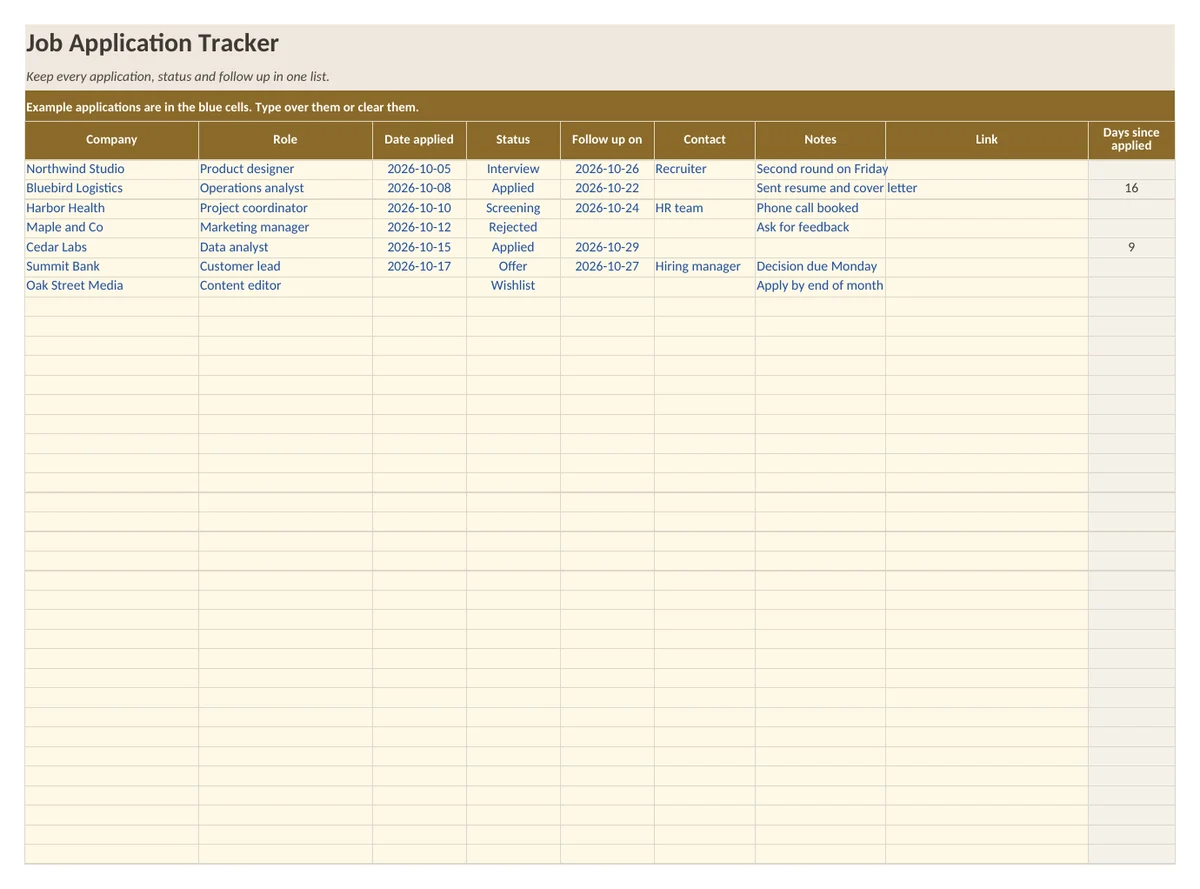
- Sheet Applications: room for 60 applications with company, role, date applied, status, follow up date, contact, notes and link
- Days since applied for open applications, calculated with a formula
- Sheet Summary: count per status, applications sent, heard back and response rate
- Sheet How to use with five short steps
What is in the print version (PDF)
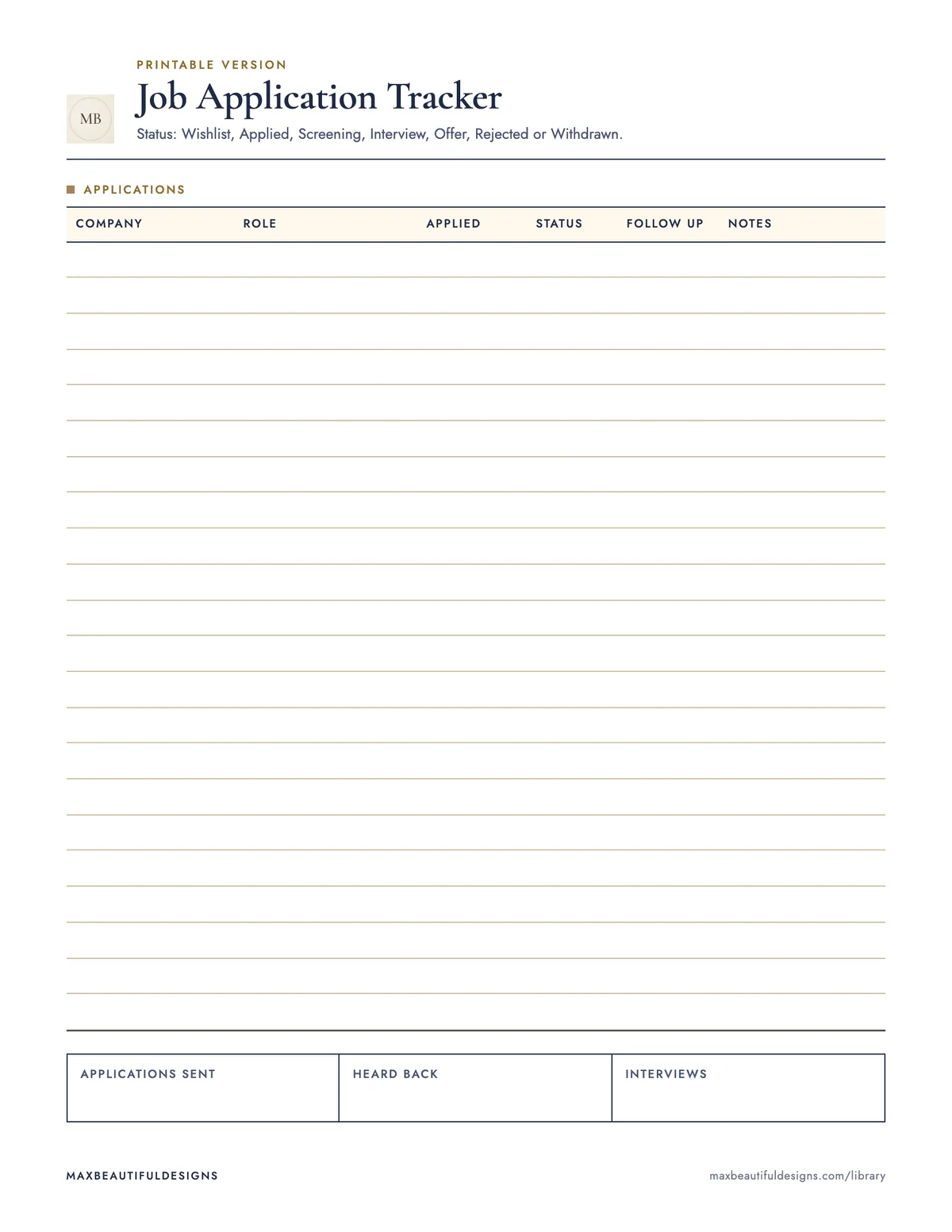
- Printable job application log with 22 lines
How to use this spreadsheet
Open the workbook in Microsoft Excel, Google Sheets, LibreOffice, or Apple Numbers. On the Applications sheet, enter each job application in a new row: company name, role, date applied, and status from the dropdown menu. Add a follow up date, contact name, notes, and a link to the job posting. The Days Since Applied column updates automatically for open applications. On the Summary sheet, review counts per status, total applications sent, how many you heard back from, and your response rate. The How to Use sheet explains five short steps. Use the printable PDF to log up to 22 applications on paper. This file helps you track all applications, follow ups, and response rates in one place, so you stay organized and never miss a next step.
Tips
- Update the status dropdown each time you hear back, so the Summary sheet stays accurate.
- Set a weekly reminder to check the Follow Up Date column and log any new actions.
- After three months, save a copy and clear the data to reuse the template for a new job search.
Questions and answers
Can I add more than 60 applications?
Yes, insert new rows in the Applications sheet, but the Summary formulas may need adjustment.
Does this file work on a phone?
It works best on a computer or tablet, but you can view and edit it in the Google Sheets app.
Is the PDF editable?
No, the PDF is a printable log. Use the spreadsheet to edit data.