What is in the PDF
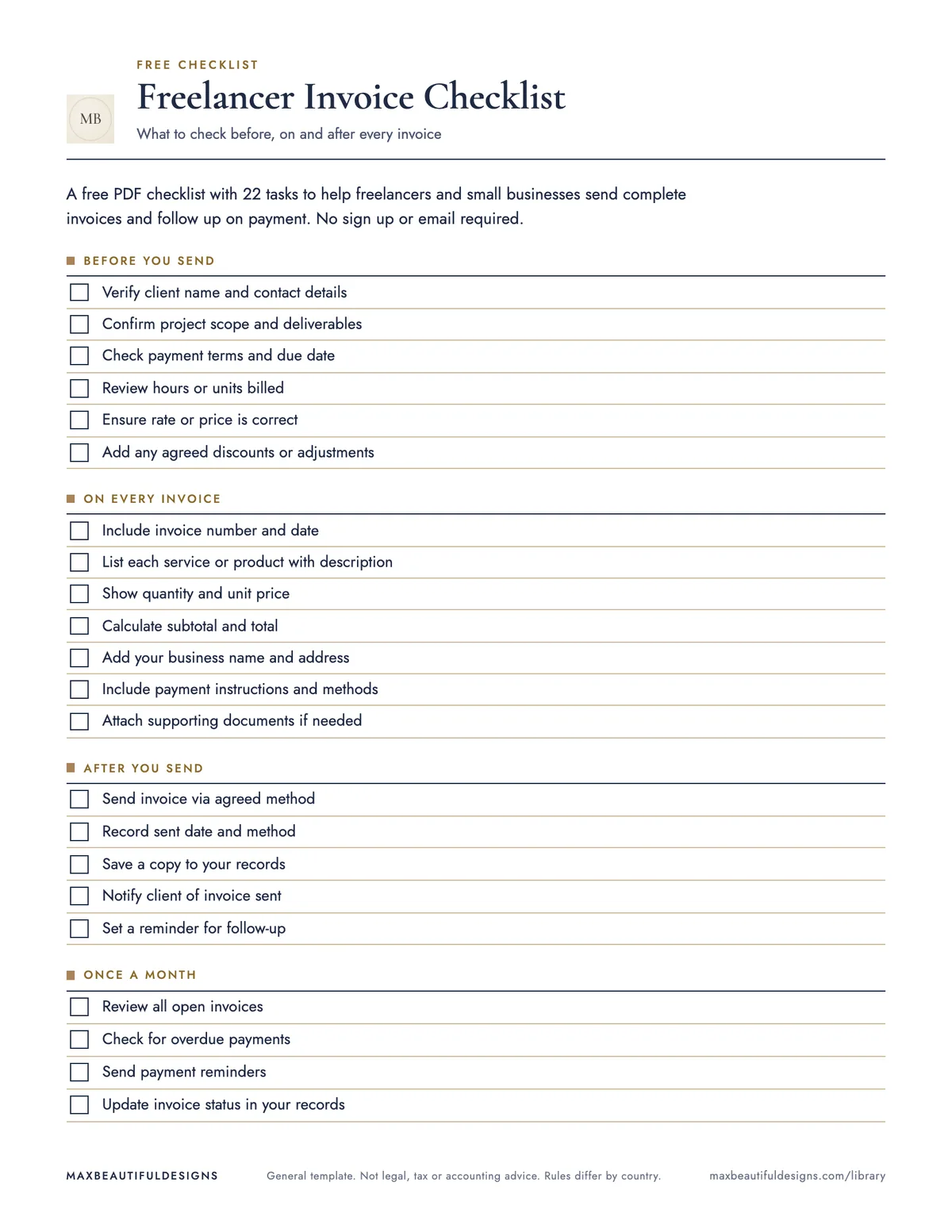
- Before you send, On every invoice, After you send, Once a month
How to use this checklist
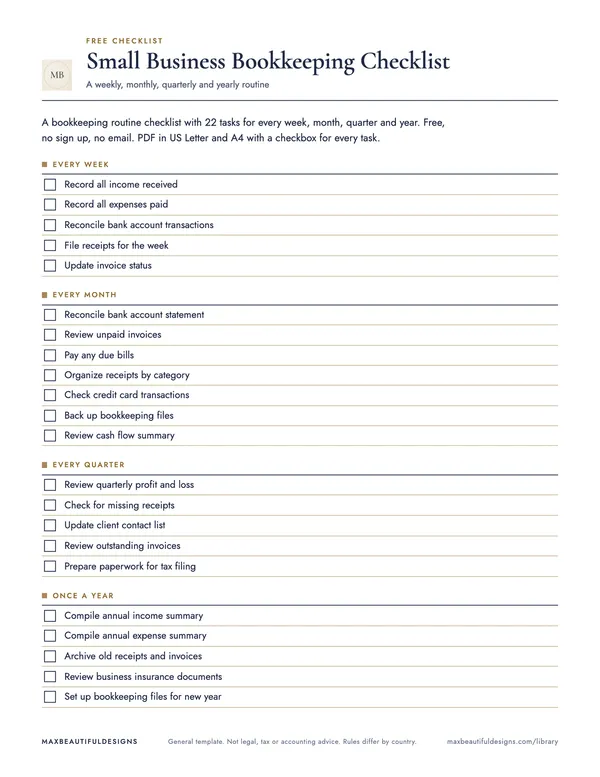
Open the PDF and print it on US Letter or A4 paper. Place the checklist where you process invoices, such as on your desk or in a binder. For each invoice you create, start at section one, Before you send. Read each task and mark the checkbox when you complete it. Move to section two, On every invoice, and check each item that applies to the current invoice. After you send the invoice, go to section three, After you send, and mark tasks as you complete them, such as recording the sent date. Once a month, use section four, Once a month, to review all open invoices and follow up on overdue payments. The checklist helps you track 22 specific tasks across the full invoicing cycle, from preparation to monthly review, so you do not miss steps like verifying client details or confirming payment receipt.
Tips
- Print multiple copies and keep them in a folder. Use one copy per invoice and recycle it after the invoice is paid.
- Write the invoice number and date at the top of the checklist to match it with the invoice for easy reference.
- At the start of each month, review the Once a month section first to see which invoices need follow-up before creating new ones.
Questions and answers
Can I adapt this checklist to my own invoicing process?
Yes, you can add or remove tasks by writing them in the blank spaces on the PDF, or by editing the file if you have a PDF editor.
Can I print this checklist?
Yes, the PDF is designed for printing on US Letter or A4 paper, and each task has a checkbox for marking.
Does this checklist include tax or legal rules?
No, it is a neutral routine checklist with no tax, legal, or country-specific rules, so you can use it anywhere.
General template. Not legal, tax or accounting advice. Rules differ by country.