What is in the workbook
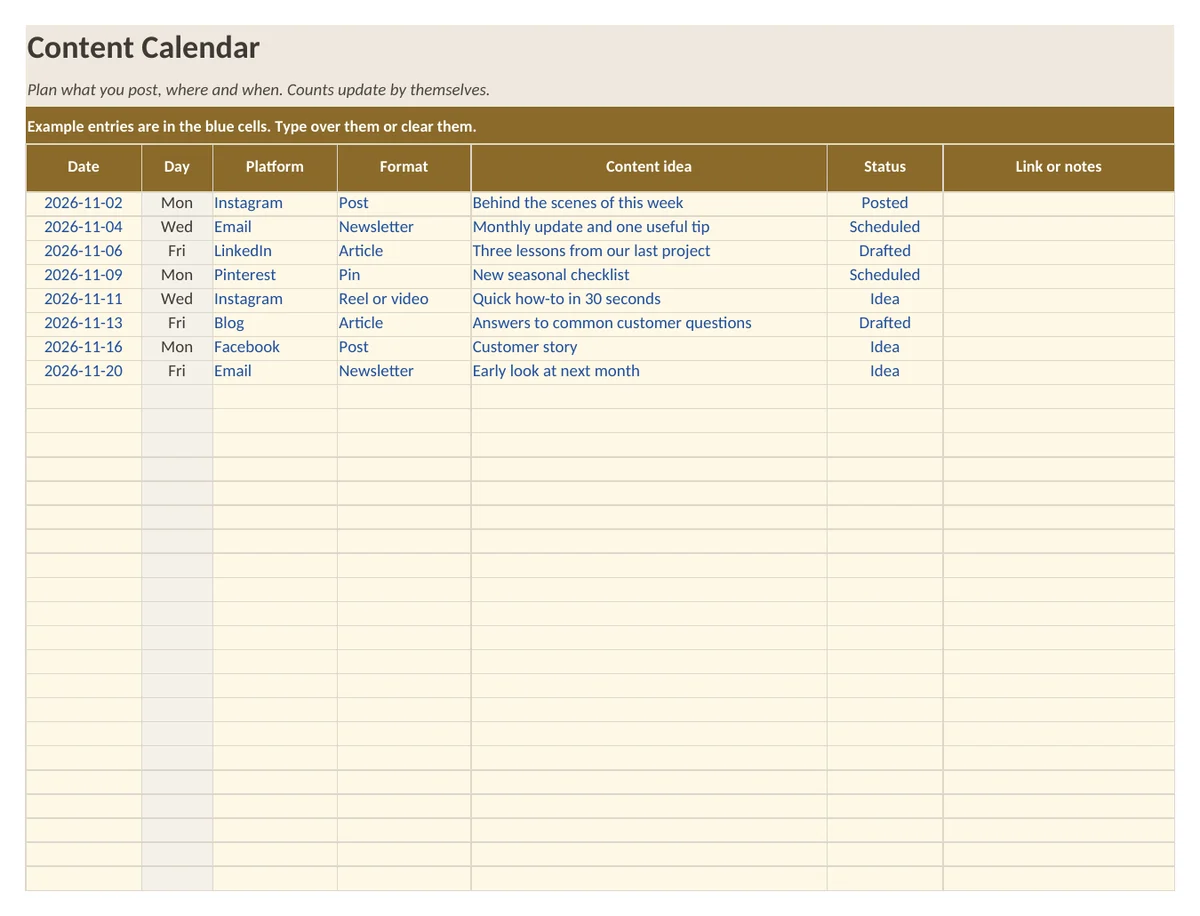
- Sheet Calendar: room for 100 posts with date, weekday, platform, format, idea, status and link
- Sheet Summary: entries per platform, format and status, and how many fall in the month you pick
- Sheet How to use with five short steps
- Example entries in the blue cells
What is in the print version (PDF)
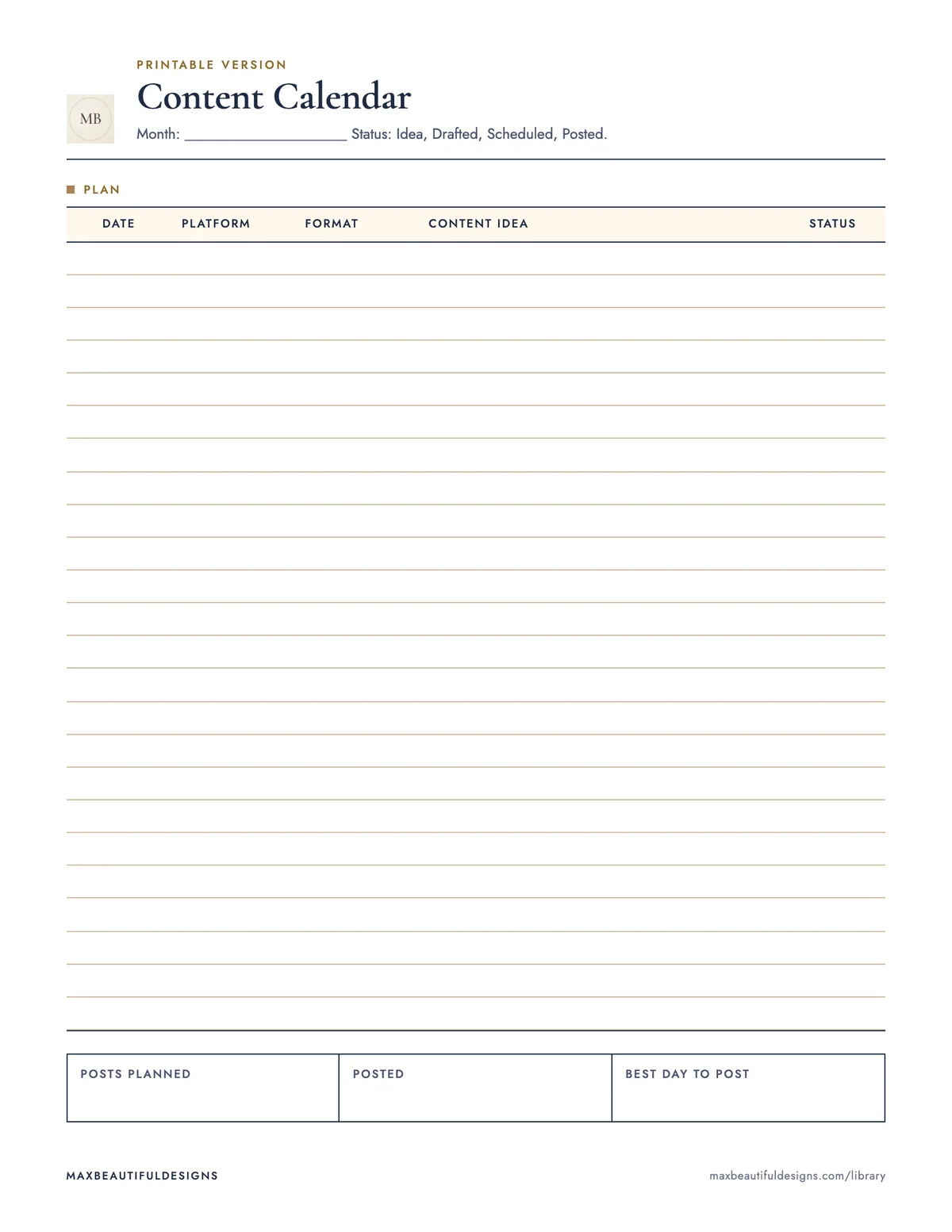
- Printable content calendar with 24 lines
How to use this spreadsheet
Open the workbook in Excel, Google Sheets, LibreOffice, or Apple Numbers. On the Calendar sheet, enter each post in a row: date, weekday, platform, format, idea, status, and link. Use the dropdown menus for platform, format, and status to keep entries consistent. The Summary sheet automatically counts posts by platform, format, and status, and shows how many fall in the month you select. The printable PDF has the same layout as the Calendar sheet, with 24 lines for a month. Print it on US Letter or A4 paper. The How to use sheet explains five short steps. This spreadsheet helps you plan posts by date and platform, track each post's format and status, and see a monthly overview of your content. It is a planning template with no macros, no sign up required, and no email needed.
Tips
- Update the status column weekly to reflect whether a post is drafted, scheduled, or published.
- Reuse the workbook each month by clearing the Calendar sheet and saving a new copy.
- Add your own platforms and formats by editing the dropdown lists in the data validation settings.
Questions and answers
Do I need to sign up or provide an email to download this file?
No, the file is free and requires no sign up or email.
Can I use this spreadsheet in Google Sheets?
Yes, go to File, Import, Upload to open the .xlsx file in Google Sheets.
Does the workbook include macros or formulas?
It includes formulas but no macros, so it works in Excel, Google Sheets, LibreOffice, and Apple Numbers.