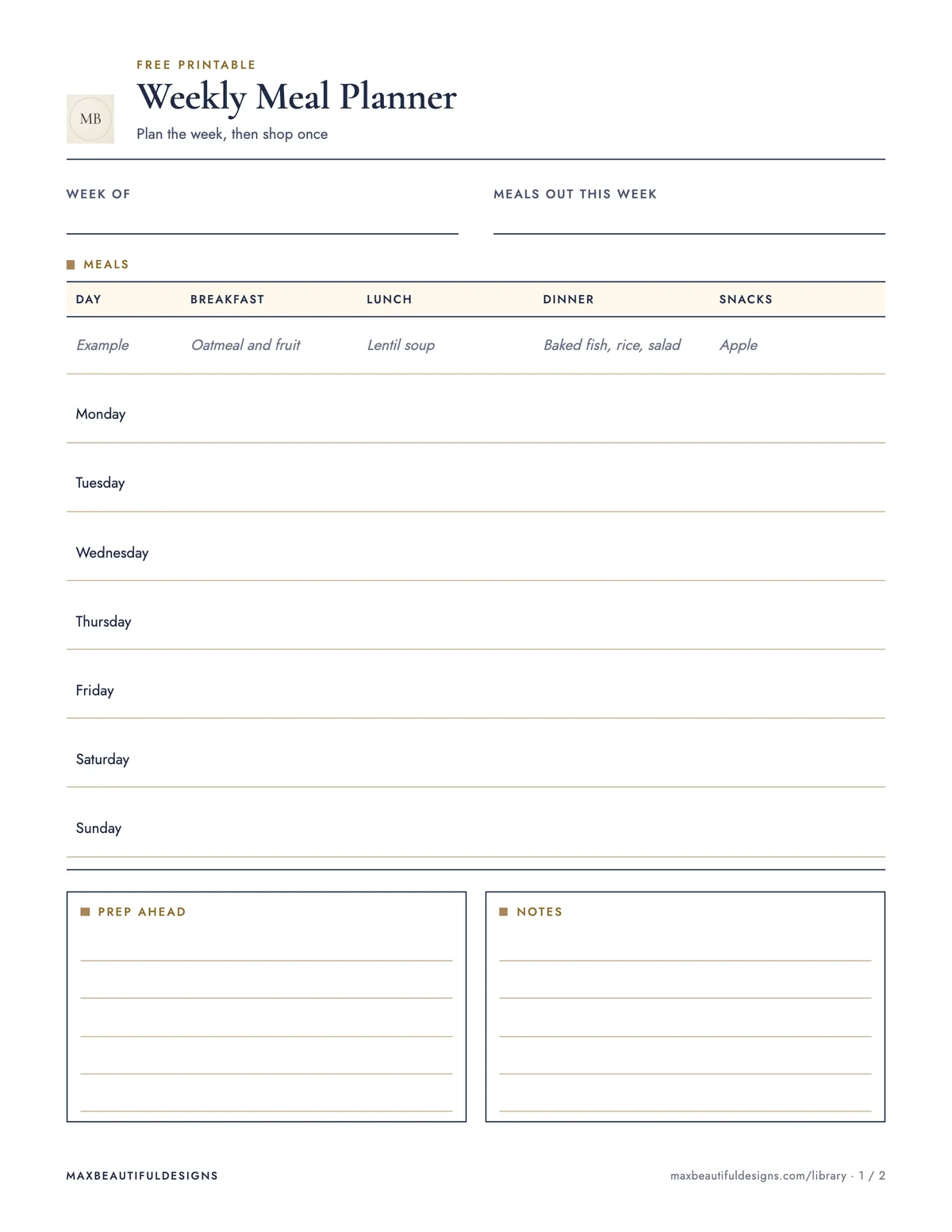
What is in the PDF
- Weekly meal plan with an example row, prep ahead and notes
- Grocery list with checkboxes in six sections
How to use this file
Start by printing the PDF on US Letter or A4 paper. On page 1, write the week dates at the top. Use the example row as a guide to fill in breakfast, lunch, dinner, and snacks for each of the seven days. Add any prep-ahead tasks and notes in the spaces provided. On page 2, use the six-section grocery list with checkboxes to write down ingredients you need for the week. Check off items as you shop. This planner helps you track daily meals, prep steps, and a complete shopping list in one place. Review the plan before shopping to avoid missing items. After the week, keep the sheet for reference or reuse the template by printing a new copy.
Tips
- Keep the planner on your refrigerator or kitchen counter so you can update it as you use up ingredients.
- Adapt the six grocery sections to match your store’s layout by writing aisle names at the top of each section.
- Reuse the template each month by printing multiple copies and storing them in a binder for easy access.
Questions and answers
Can I use this planner with a digital calendar?
Yes. You can copy the meal plan from the printed sheet into a digital calendar app to get reminders for prep or shopping.
How many habits should I start with when using this planner?
Start with one habit, such as filling in the grocery list before shopping. Add more habits once that feels routine.
How do I plan around leftovers?
Write leftover meals in the dinner or lunch slots on the planner. Add leftover ingredients to the grocery list only if you need to supplement them.