What is in the PDF
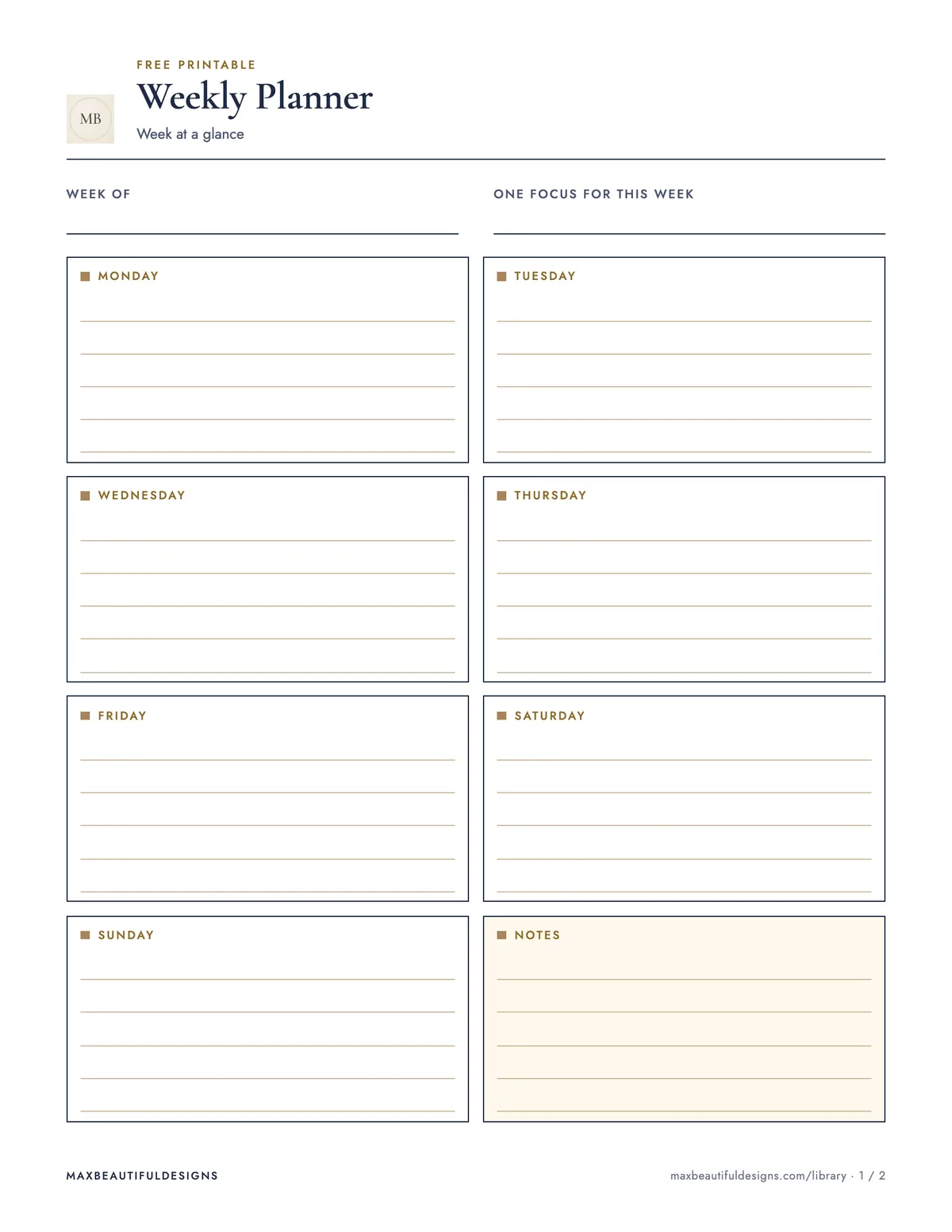
- Week at a glance with a box for every day and one for notes
- Top priorities, task list, appointments and a short weekly review
How to use this file
Start by printing the two-page PDF on US Letter or A4 paper. On page one, write the week dates at the top, then fill each day box with your main appointments, deadlines, or events. Use the notes box for reminders or ideas that don’t fit a specific day. On page two, list your top three priorities for the week, then break them into a task list. Add appointments in the dedicated section, and at week’s end, complete the short weekly review by noting what worked and what to adjust. This planner helps you track daily commitments, focus on key goals, and reflect on progress. Keep it visible, update tasks as they change, and use the review to plan better next week.
Tips
- Write tasks in pencil so you can easily move them to another day if plans shift.
- At the start of each month, print four copies at once and staple them together for a monthly booklet.
- Use the notes box on page one to jot down recurring weekly chores or errands you don’t want to forget.
Questions and answers
Can I use this planner with a digital calendar?
Yes. Transfer appointments from your digital calendar into the day boxes, then use the task list and priorities for items not on your calendar.
How many habits should I start tracking with this planner?
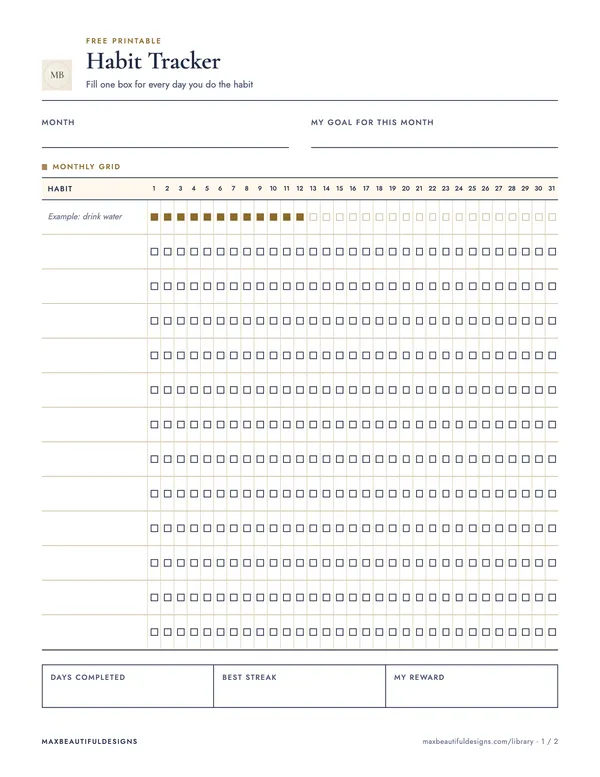
This planner does not include a habit tracker. It focuses on priorities, tasks, appointments, and a weekly review.
How do I plan meals around leftovers using this planner?
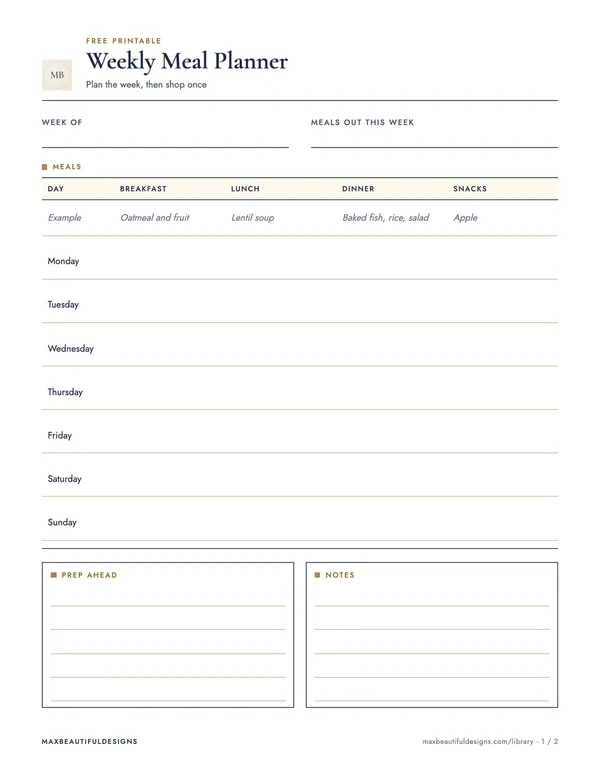
This planner does not include a meal planning section. It is designed for general weekly priorities, tasks, and appointments.