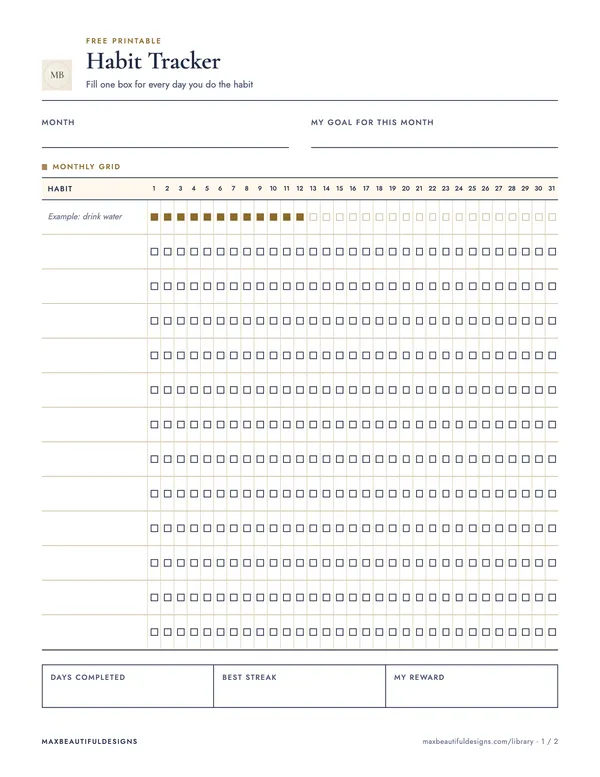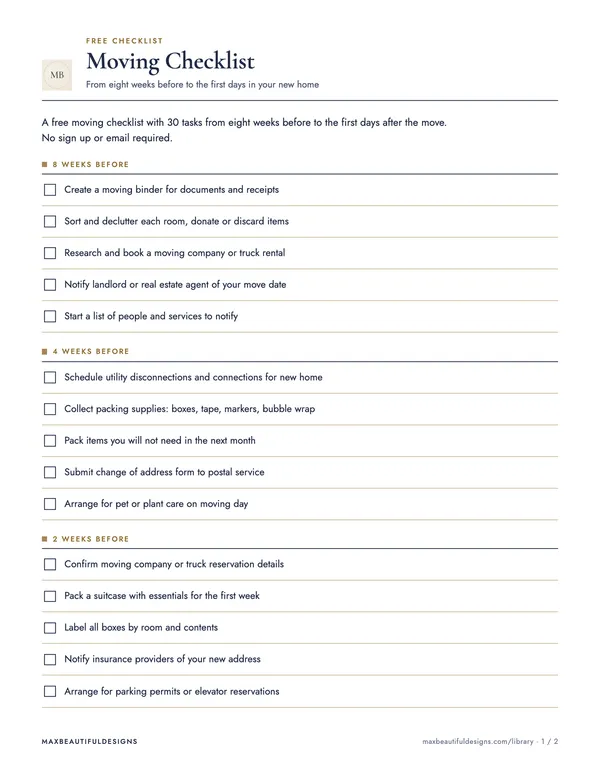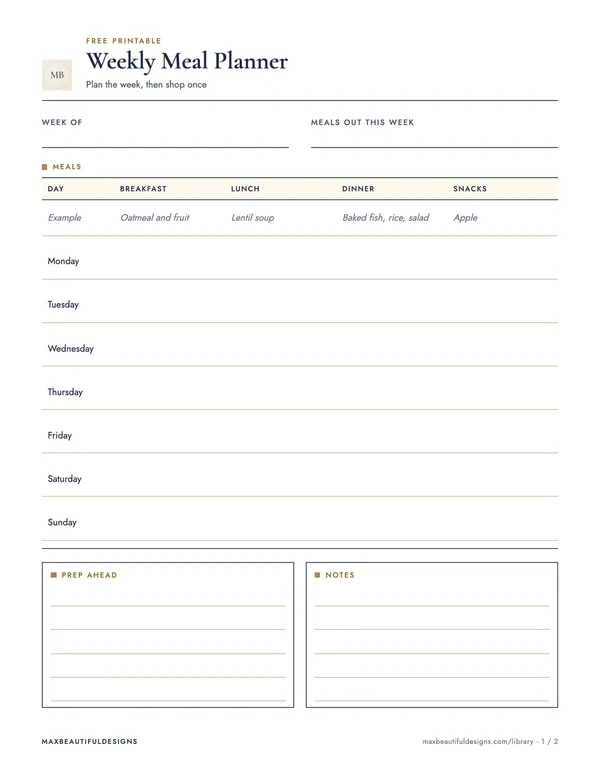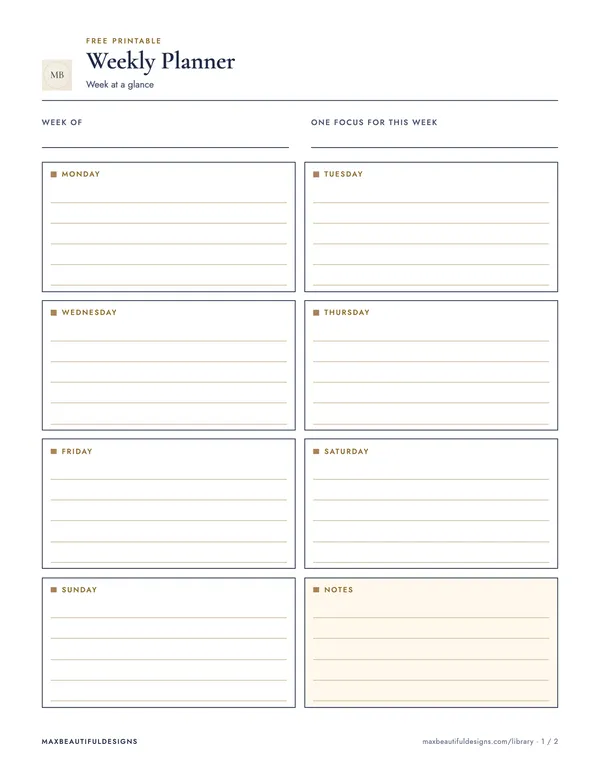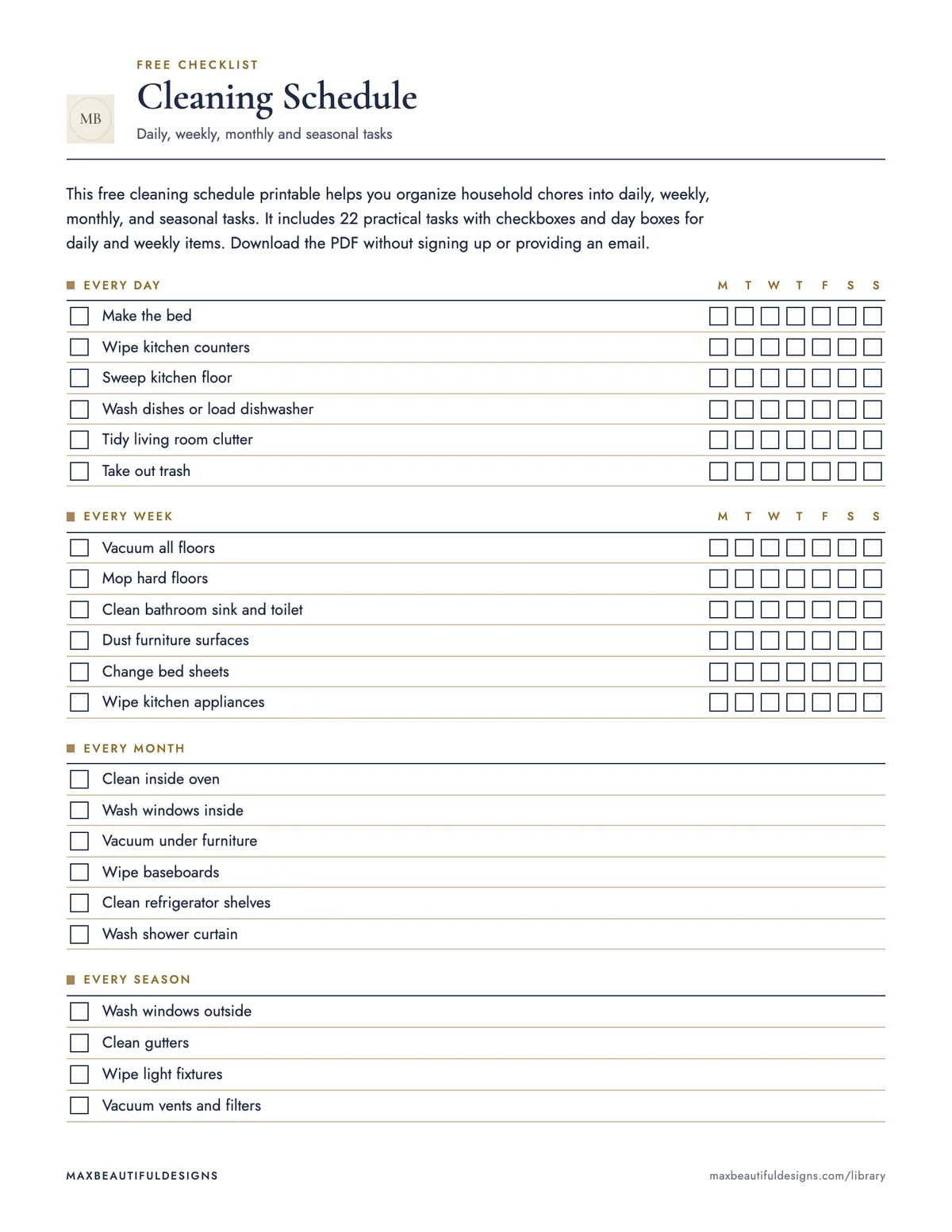
What is in the PDF
- Every day, Every week, Every month, Every season
How to use this checklist
Download the free PDF, which comes in US Letter and A4 sizes. Print one copy for your household. Start by reading the four sections: Every day, Every week, Every month, and Every season. Each task has a checkbox next to it. For daily and weekly tasks, there are day boxes to mark when you complete them. Place the schedule where you can see it, like on a fridge or bulletin board. Each day, check off the daily tasks you finish. At the start of each week, review the weekly tasks and mark them as done. At the beginning of a month, look at the monthly tasks and check them off. When a new season starts, complete the seasonal tasks. The schedule helps you track 22 cleaning tasks across these four timeframes. It keeps your routine organized without needing an app or email sign-up. Reuse the same sheet each month by checking tasks as you go.
Tips
- Laminate the printed schedule and use a dry-erase marker to check off tasks, so you can wipe it clean and reuse it each month.
- Adjust the task list by writing your own tasks in pencil on the blank spaces, if any, to match your home's specific needs.
- Set a recurring phone reminder for weekly and monthly tasks to stay on track without checking the schedule every day.
Questions and answers
Can I adapt the task list to my own home?
Yes, you can write your own tasks in pencil on the printed schedule to replace or add tasks that fit your home, like cleaning a specific room or appliance.
Can I print this schedule at home?
Yes, the PDF is designed for home printing in both US Letter and A4 sizes, so you can print it on standard paper.
How do I keep track of tasks that are not done on time?
The schedule has checkboxes for each task; if you miss a task, simply move it to the next day or week and check it off when completed.