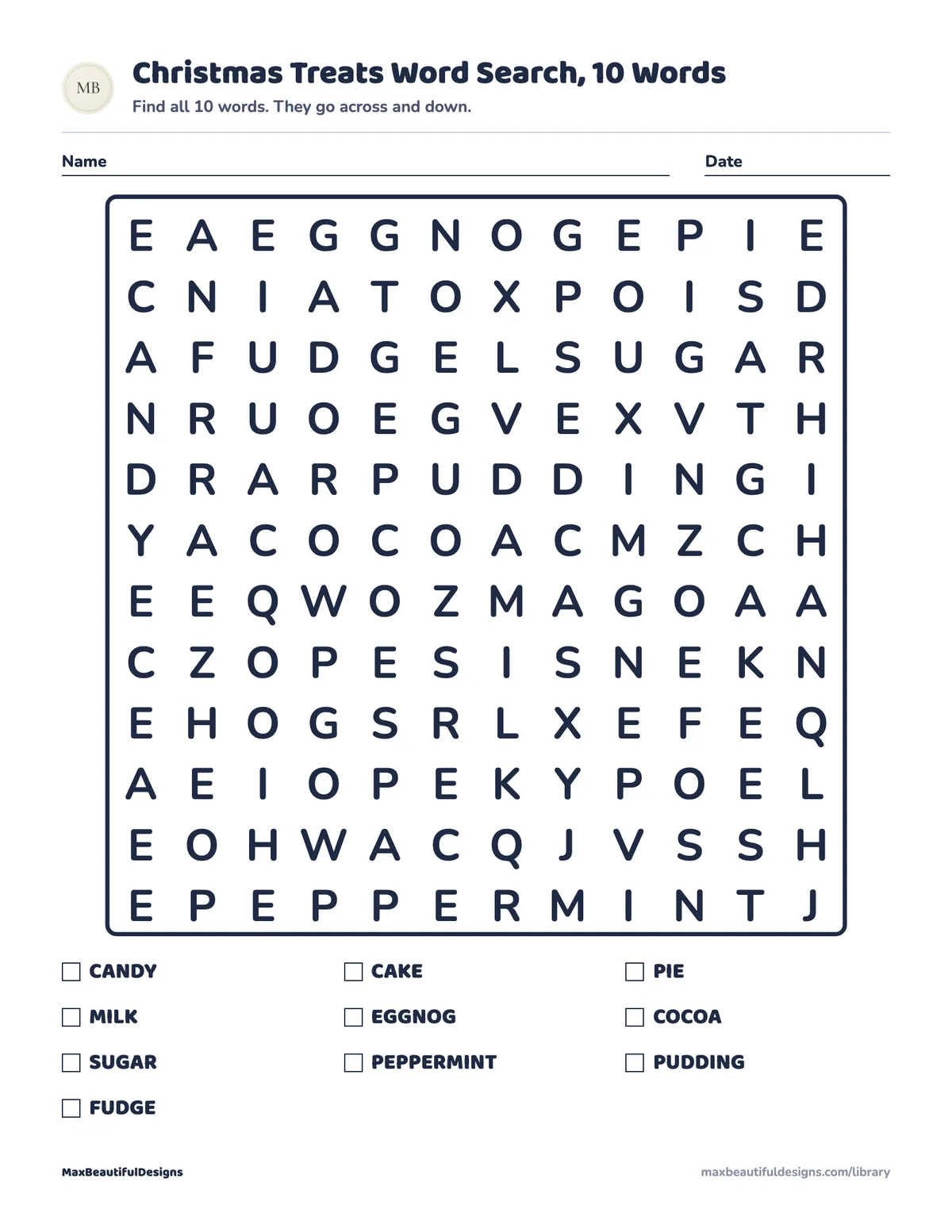
What is in the PDF
- Word search puzzle, 12 by 12 letters, with a list of 10 words to find
- Answer key with every word marked
How to use this printable
Print the PDF at actual size on US Letter or A4 paper. Give the child a pencil or crayon and the first page with the word search grid. Read the list of 10 words aloud together. Ask the child to find each word in the 12 by 12 letter grid. Words go across left to right or down top to bottom. When the child spots a word, circle or color each letter. Use the answer key on page 2 to check the work after the child finishes. This activity helps children practice spelling by recognizing letter sequences. It also builds letter scanning skills as they search for words in a grid. The child learns to focus and match letters in order. Keep the session short and fun. Let the child work at their own pace. Praise effort and progress.
Teaching tips
- For an easier start, have the child find one word at a time and say each letter aloud while searching.
- To make it harder, ask the child to find words in reverse order or time the search for each word.
- Reuse the page by laminating it or placing it in a plastic sleeve so the child can use a dry erase marker.
Questions and answers
Is this word search too hard for a 6 year old?
The grid is 12 by 12 letters with 10 words, which is suitable for ages 6 to 9. A 6 year old may need help finding the first few words. You can point to the starting letter of a word to guide them.
How should I print the PDF so the grid is the right size?
Print at 100 percent or actual size in your printer settings. The PDF works on both US Letter and A4 paper. Do not scale or fit to page, or the grid may be too small or too large.
Can my child use a pen instead of a pencil?
Yes, a pen works fine. If you want to reuse the page, use a pencil and erase, or place the page in a plastic sleeve and use a dry erase marker.